On a Mac they're all in one app, with one Settings window and one set of permissions. Other devices are on the way.
Speak it
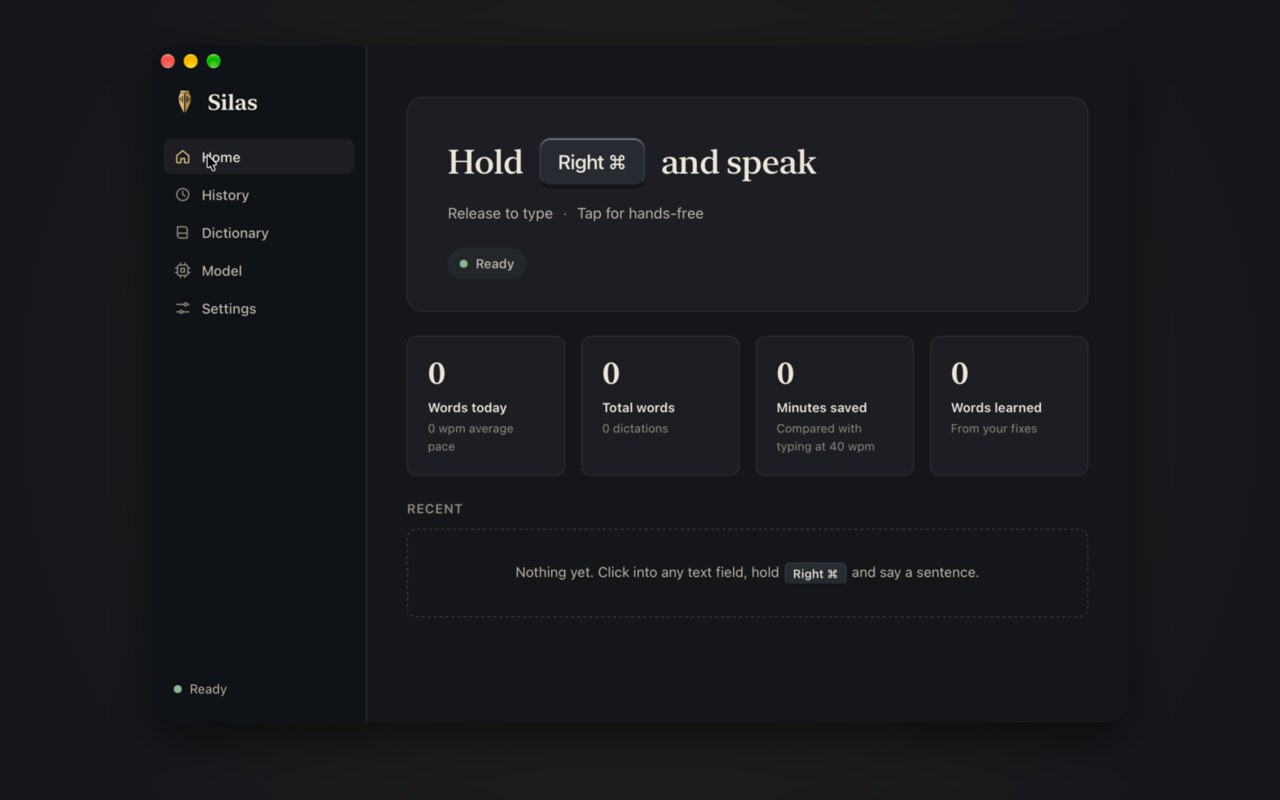
Hold a key, speak and let go. It types what you said into whatever app has focus. It runs on your device, leaves your clipboard alone and learns your words as you fix them.
In Polycarp on a Mac. On Windows and Linux, Silas does this for now.
Find it
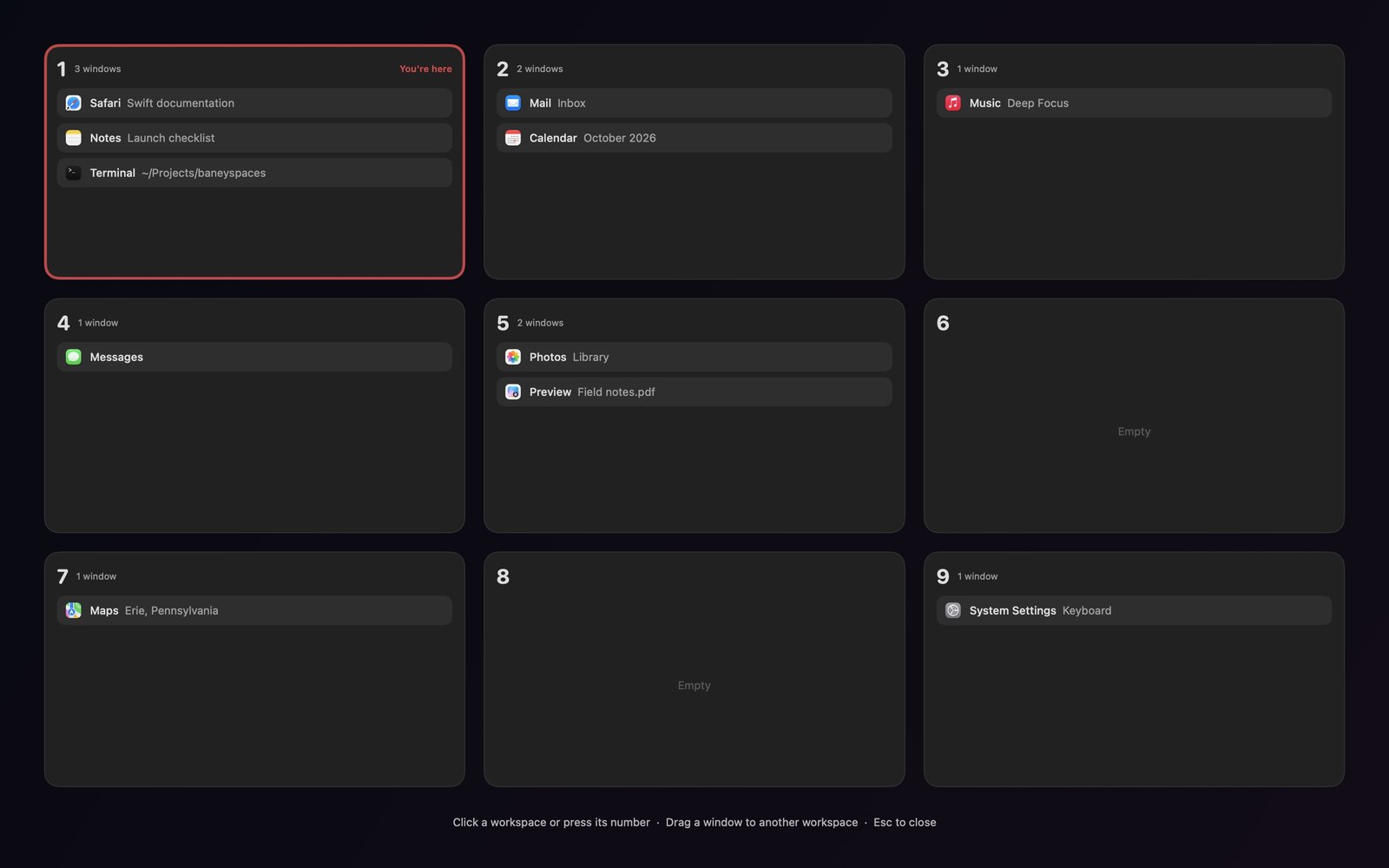
Nine workspaces on one row of keys. ⌘1 through ⌘9 takes you there, and adding Shift brings the window along. The launcher finds every terminal, tab and coding agent.
In Polycarp on a Mac, with Linux and Windows in progress.
Hand it off
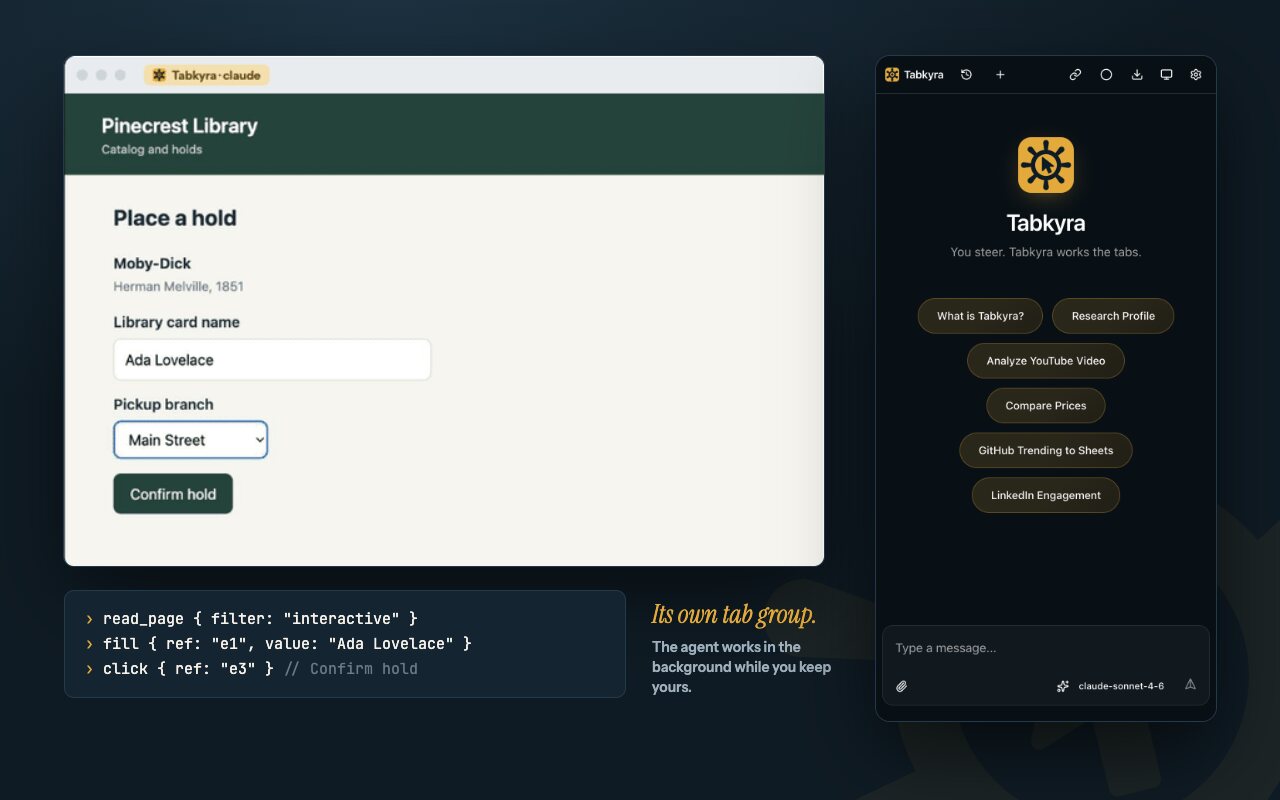
Your coding agent uses your real browser, the one already signed in where you are, in a tab group of its own. It asks before it opens a site you haven't allowed.
In Polycarp on a Mac, for Chromium browsers. Linux and Windows are not yet tried live.
These pictures are from before Polycarp, with earlier looks. The plan lists each step and the check that proves it.
Make it yours
Change anything. It stays readable.
One theme file sets the colors, corners, fonts, spacing and motion. The example shows each change as you make it. Try it here, then take the file with you.
Live example
123456789
Listening
Remind me to send the draft before Friday
Summarize this page and send it to Ruth.
Needs you
Your agent wants to click Send.
Get your theme file
name = "mine"
title = "Mine"
extends = "polycarp"
Save it as mine.toml, then run:
polycarp theme apply mine.toml
Your file appears here once the accent is readable.
Unreadable colors are refused. You get the exact field and the number it missed.
You can always get back.polycarp theme undo steps back, and polycarp theme reset always works.
On a Mac, Polycarp follows it live. On Omarchy, the command matches your system theme and you can still change anything, though that hasn't run on a real theme switch yet. This site is built from the same six themes.
For your agent
Ask your agent to do it.
Over polycarp mcp, agents can change any part of a theme a person can. They read every field and rule from the schema, get errors they can act on, and history records their name.
Connect it
polycarp mcp works with any MCP agent. In Claude Code:
claude mcp add polycarp -- polycarp mcp
Say what you want
Plain words are enough. Your agent makes the change, shows you a preview and undoes it if you don't like it. On a Mac, Polycarp changes as it happens.
Make Polycarp warmer, with square corners. Show me a preview first.
Every device
Where it stands today.
The goal is every device you use. Here is the honest state of each one.
Part
Mac
Windows
Linux
iPhone and iPad
Android
Voice
In the appnew
Nightlyas Silas
Nightlyas Silas
In progressiPad first
Planned
Workspaces
In the appnew
In progress
In progress
Plannedcontrol your computer's
Plannedcontrol your computer's
Browser agents
In the appChromium
Not yet triedinstaller written
Not yet triedinstaller written
Plannedwatch and steer your computer's
Plannedwatch and steer your computer's
Themes
In the appnew
Command workstested in CI
Command worksOmarchy matching not yet tried live
Planned
Planned
Phones don't let an app arrange other apps' windows or drive a browser the way a computer does, so on a phone Polycarp will control your computer instead.
Why this name
Polycarp means "much fruit."
“I am like a green olive tree in the house of God. I trust in the steadfast love of God forever and ever.”
That's Psalm 52:8 (ESV), and it's why the mark is an olive branch and the colors are quiet.
Polycarp of Smyrna was a disciple of the apostle John. At the end of his life they pressed him to revile Christ, and he answered, "Eighty and six years have I served him, and in nothing hath he wronged me."
Jesus said, "Whoever abides in me and I in him, he it is that bears much fruit, for apart from me you can do nothing" (John 15:5, ESV).
Install
Download it.
For Macs with Apple silicon and macOS 13 or later. To check, open the Apple menu and choose About This Mac: the chip's name starts with Apple.
Open the file you downloaded, and drag Polycarp onto Applications.
Open it, and get past Apple's warning
Open Polycarp from Applications. The first time, your Mac says Apple could not verify it's free of malware. That's expected for an app outside Apple's paid program, so click Done, not Move to Trash. Then open System Settings, choose Privacy & Security, scroll down and click Open Anyway. Your Mac asks once more: click Open Anyway again and use your password or Touch ID. On macOS 14 or earlier, Control-click Polycarp and choose Open instead.
Flip one switch
A welcome window walks you through the permissions. Only one is required.
Why the warning? Polycarp doesn't pay for Apple's developer program, so your Mac can't check it for you. It's free and open source, and you can read every line. You only do this once.
Comfortable with Terminal? This skips the warning.