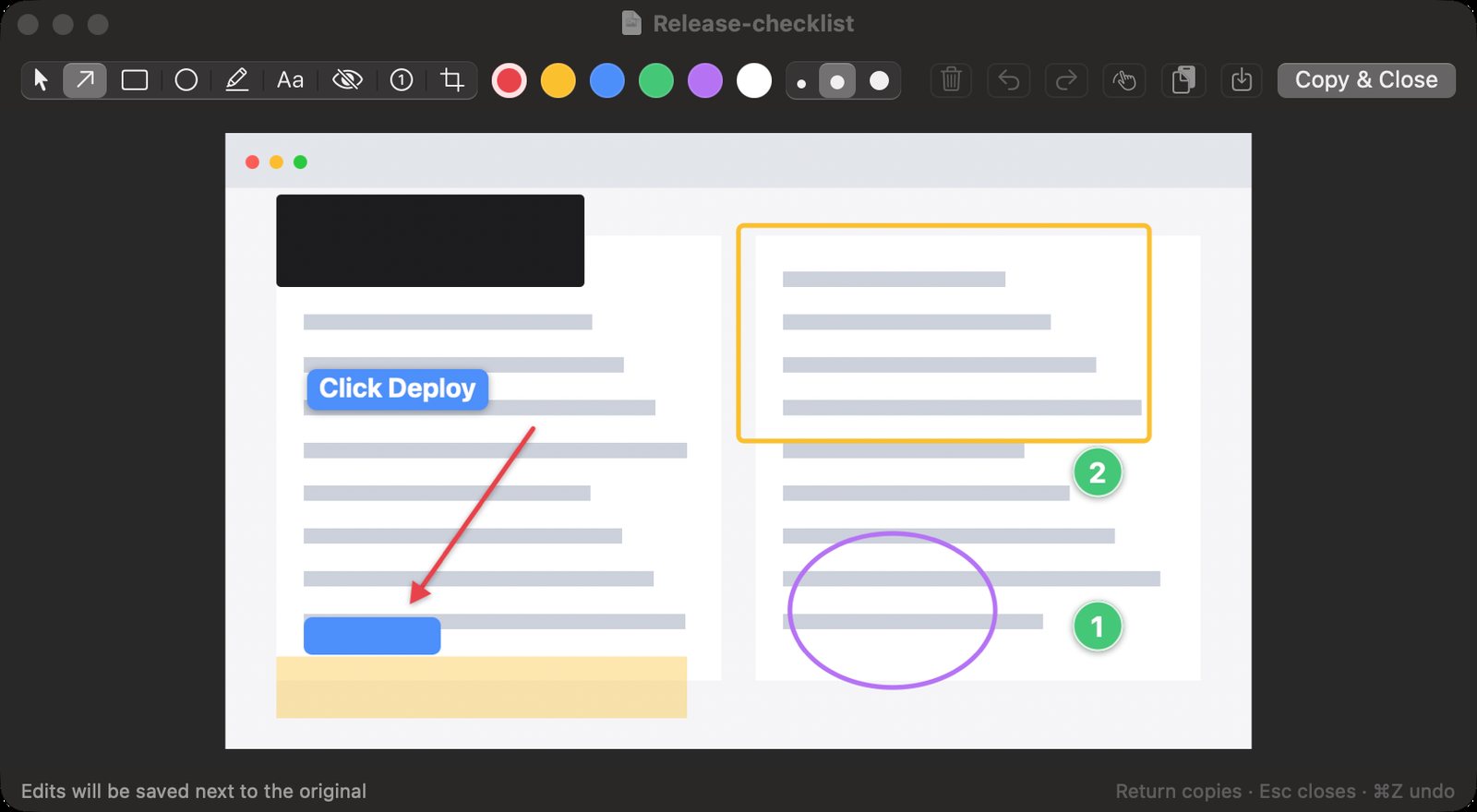
Free, open-source screenshot and annotation for macOS, Windows and Linux. Capture an area, mark it up with arrows, text, redaction and numbered steps, then paste anywhere.
Stable releases are macOS only for now; Windows and Linux get nightly preview builds that may have rough edges. Not code-signed on Windows yet, so SmartScreen may ask once. On Wayland, the desktop owns global shortcuts, so you bind one to shotate --capture yourself.
What’s inside
Capture an area, a window or the full screen from a global shortcut you choose (Shift-Command-S on a Mac, Ctrl+Shift+S on Windows and Linux). On macOS 14 and later the screen freezes while you choose and the editor opens the moment you let go.
Arrows, boxes, ellipses, highlights, text labels, numbered steps, crop and a solid redaction bar.
Draw past the edge and the canvas grows to fit, continuing the screenshot's own border.
Return copies the image and saves it, so it pastes into chat, documents and terminal tools.
The same tools, keys and config file format on macOS, Windows and Linux, and the app reloads the file the moment it changes.
Save captures to Pictures › Screenshots, Desktop, Downloads or any folder you pick.
Updates itself from its menu with one click. Pick Stable for tested releases or Nightly for the newest code, built every day.
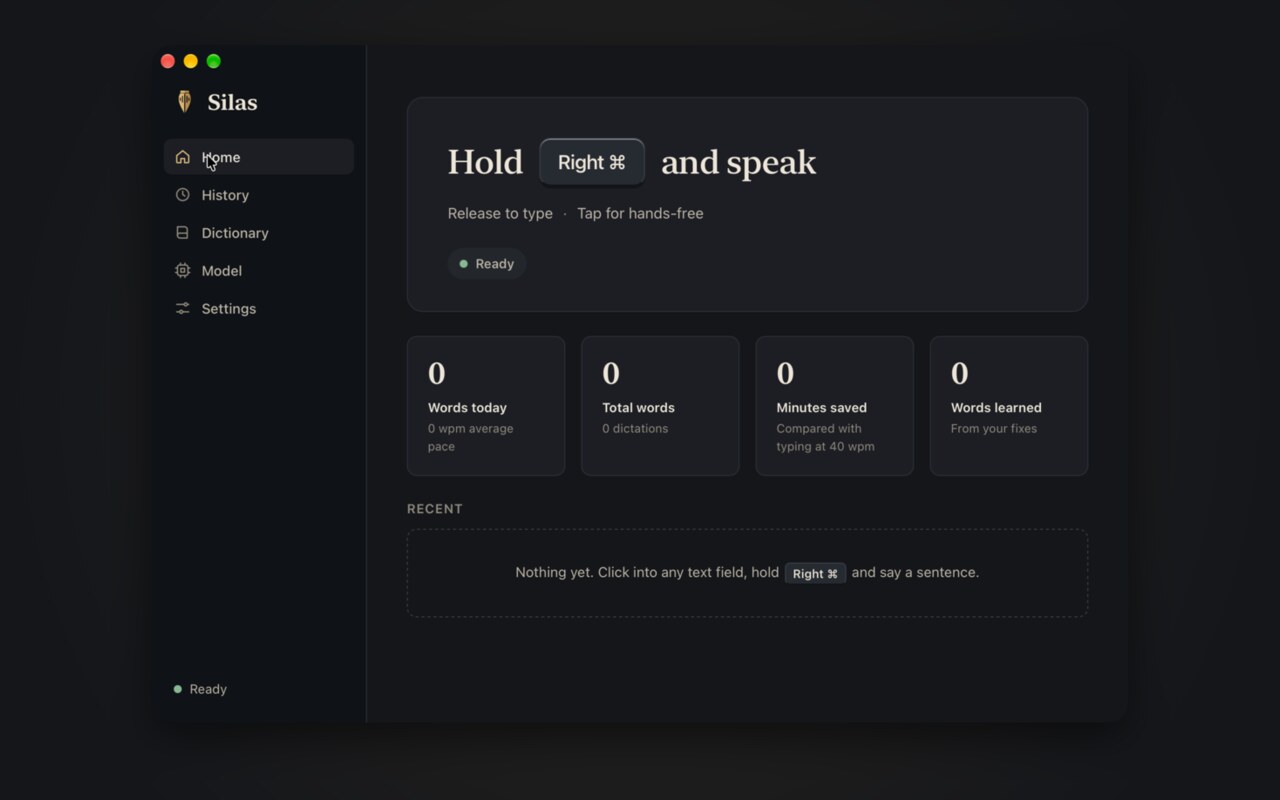
Private on-device dictation for macOS, Windows and Linux. Hold a key, speak, and it types into any app using a local speech model. Audio never leaves the machine.
The stable channel is macOS only. Windows and Linux builds are nightly and less tested. On Wayland, typing needs the wtype tool.
What’s inside
Hold Right Command on a Mac (Right Ctrl on Windows and Linux), speak, and release. A quick tap starts hands-free mode.
Types real keystrokes instead of pasting, so apps show no paste prompt and the clipboard stays yours.
Runs the Parakeet v3 speech model on your own computer. A short sentence is ready in under a second, and audio never leaves the machine.
Learns as you fix it. Backspace over a wrong word right after Silas types and retype it, or teach a fix in History.
Never bends everyday words into jargon. Your dictionary only applies to names and rare words.
Stable updates on macOS and nightly builds for all three systems, signed and installed in the background.
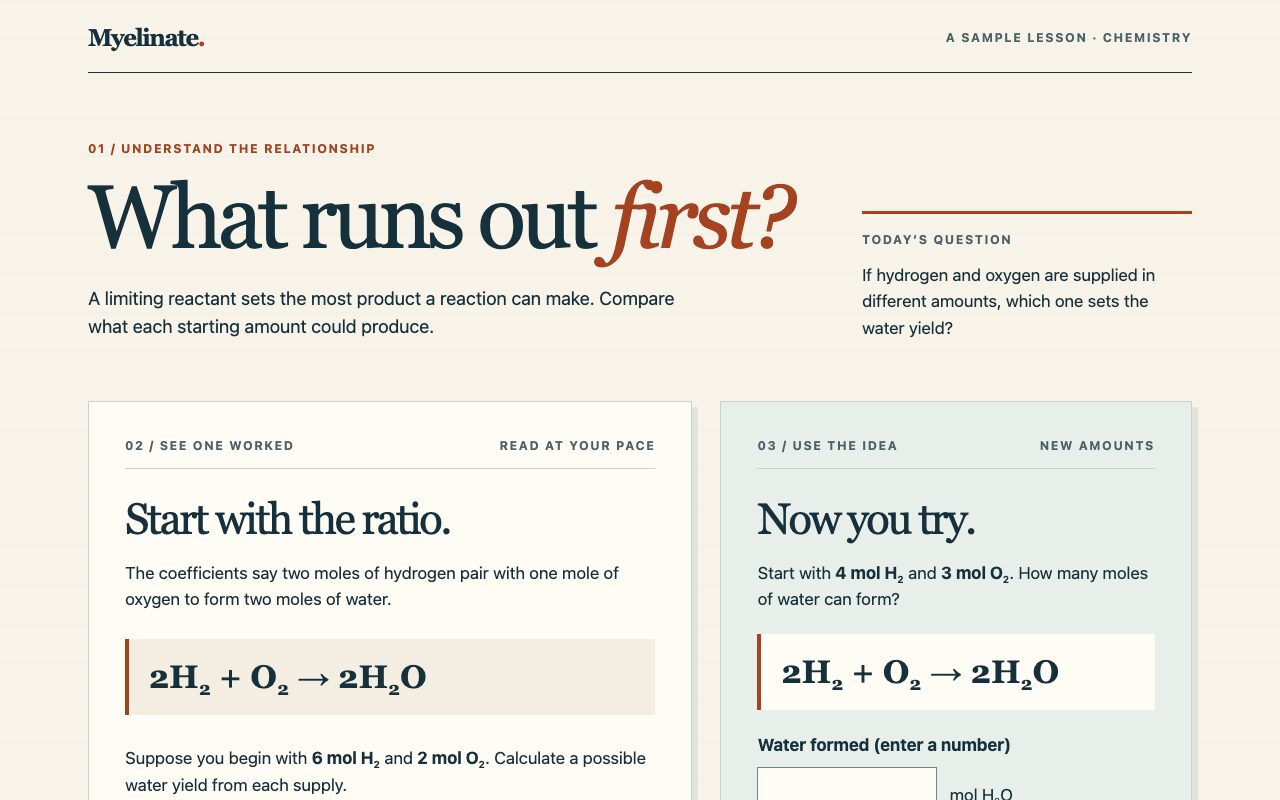
An AI tutoring skill that teaches from your own course materials. It asks you to recall before it explains, coaches homework without doing the graded work for you, and runs as instructions for Claude Code, claude.ai or Codex. No API key or server required.
Myelinate is a set of instructions for a capable assistant, not its own model. It can't guarantee a grade, and its effect on learning hasn't been formally tested. The name is a metaphor.
What’s inside
Teaches from your class. Bring the syllabus, study guide, notes or textbook, and the lessons and practice follow your course's scope and notation.
You answer first. It asks you to recall before it shows anything, then gives feedback on your reasoning, not just the final answer.
Coaches graded work. On homework, lab reports and essays it helps you think it through and leaves the graded thinking to you.
Honest, not agreeable. It won't confirm a wrong answer or back down from a right one because you push. It changes its mind on evidence.
Reads your notes. Share them from Google Drive, OneDrive, Notion, Obsidian or a photo of paper, and it points out misconceptions and copied slides.
Shows the shape of an idea. Molecules, mechanisms and curves come as diagrams and 3D models you can turn, not a paragraph of description.
Fifteen skills behind one router, from tutoring and practice tests to flashcards, study plans, lab simulations and learning a codebase you inherited. You never have to name one.
Remembers what's due. In Claude Code it can keep a private record of what you've learned and start each session with the reviews that are due.
Nothing to set up. No API key, account or server. Install the plugin in Claude Code, claude.ai or Codex, or paste one link into the assistant you already use.
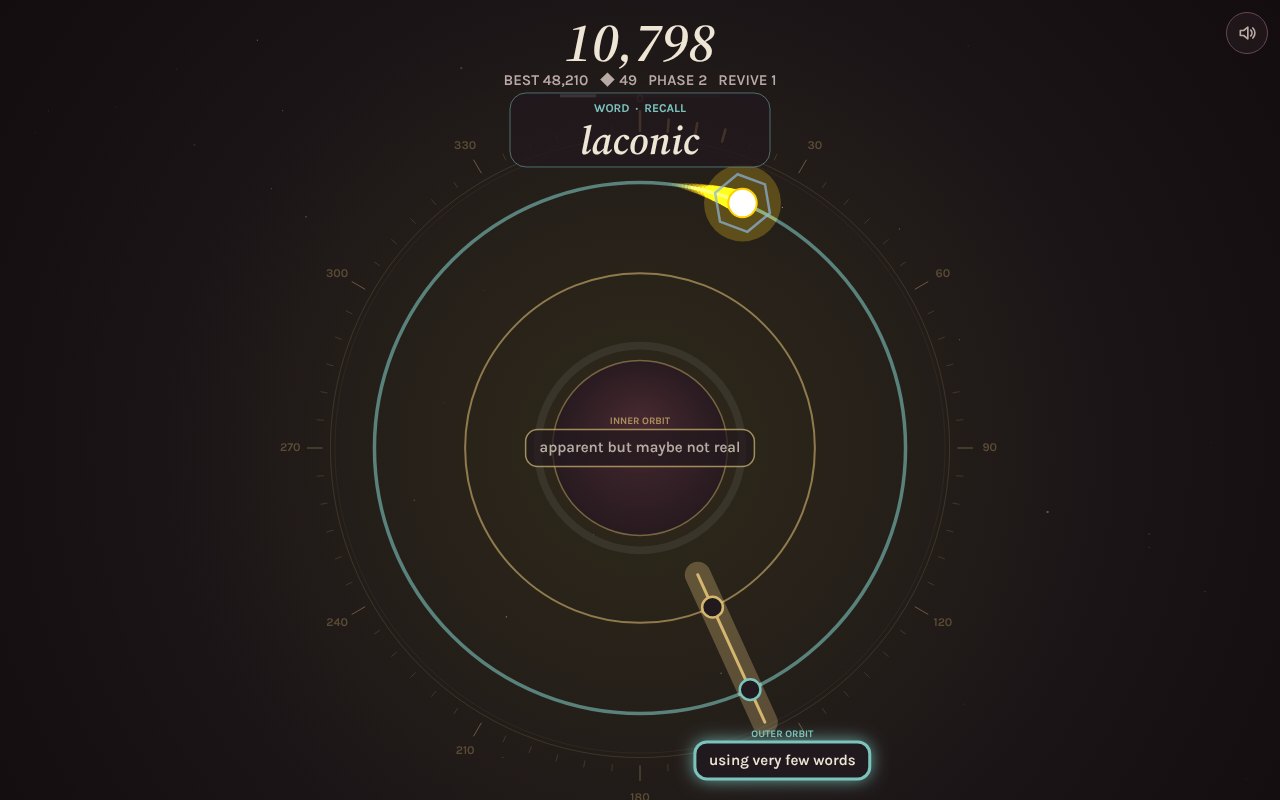
A one-tap orbit arcade game with a library of real courses, including languages, anatomy and organic chemistry. Short lessons, recall gates and spaced review on your device.
Graze helps you remember what you practice. It makes no promise about intelligence.
What’s inside
37 courses and about 18,300 items, including ten languages, biology, organic chemistry and functional groups, anatomy, calculus, logic, philosophy, world history and the Bible.
Short lessons, then recall gates inside the arcade loop. Choices stay hidden until you have tried to answer from memory.
A swipeable Feed built to replace scrolling with reviews, readings and quick math.
Spaced review from 10 minutes out to 180 days, with progress saved on your device.
Text-to-speech for every language item and pronunciation checks in supported browsers.
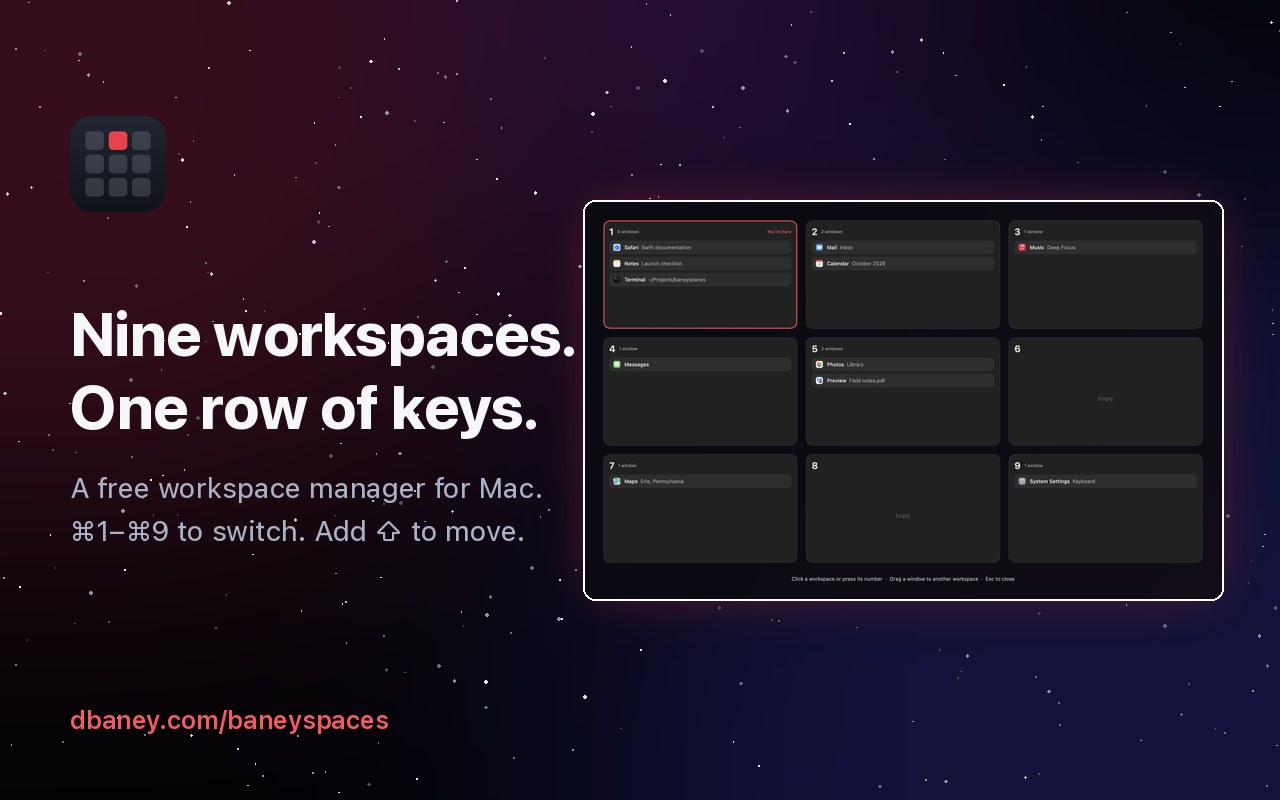
A free Mac workspace manager. Press ⌘1–⌘9 to switch spaces instantly, add Shift to move a window, and open a Deck of terminals and coding agents. Agents get a workspace of their own so automation stays out of your way.
Mac only. The three-finger swipe still opens Mission Control, because macOS handles that gesture itself.
What’s inside
⌘1–⌘9 switches workspaces instantly, with no sliding animation.
⌘ Shift 1–9 sends the front window to another workspace and follows it.
The Mission Control key or Control–Up Arrow opens a 3×3 overview. Click to go, drag a window to move it.
Windows never tile or resize. Other workspaces' apps are hidden the way ⌘H hides them.
A guided setup window for the one permission, your choice of shortcut keys and login.
The Deck, a sidebar of every Ghostty split, Helium tab and Claude, ChatGPT, T3 Code or Grok Bot window, with each coding agent's state.
An agent workspace where agents and Cua automation drive real apps from behind while you keep working.
God has been there for me through the hardest moments of my life. My faith rests on His promises, which do not fail when the world’s promises do.
02
Gannon
I’m studying biology on the pre-med track at Gannon University, on the LECOM Early Acceptance path. I value its Christian foundations and the opportunity to prepare for work that serves others. My interest in medicine comes from that desire to help, and from seeing what care can mean in someone’s life.
My mother’s work as a doctor taught me that service takes more than good intentions. It means long hours, patience, and the resolve to keep going through setbacks. I want to bring that same commitment to the people I care for.
My father, a musician, showed me another way to serve: make people smile. He taught me that the joy we give others comes back to us, and that we each have a responsibility to be a light.
04
Medicine
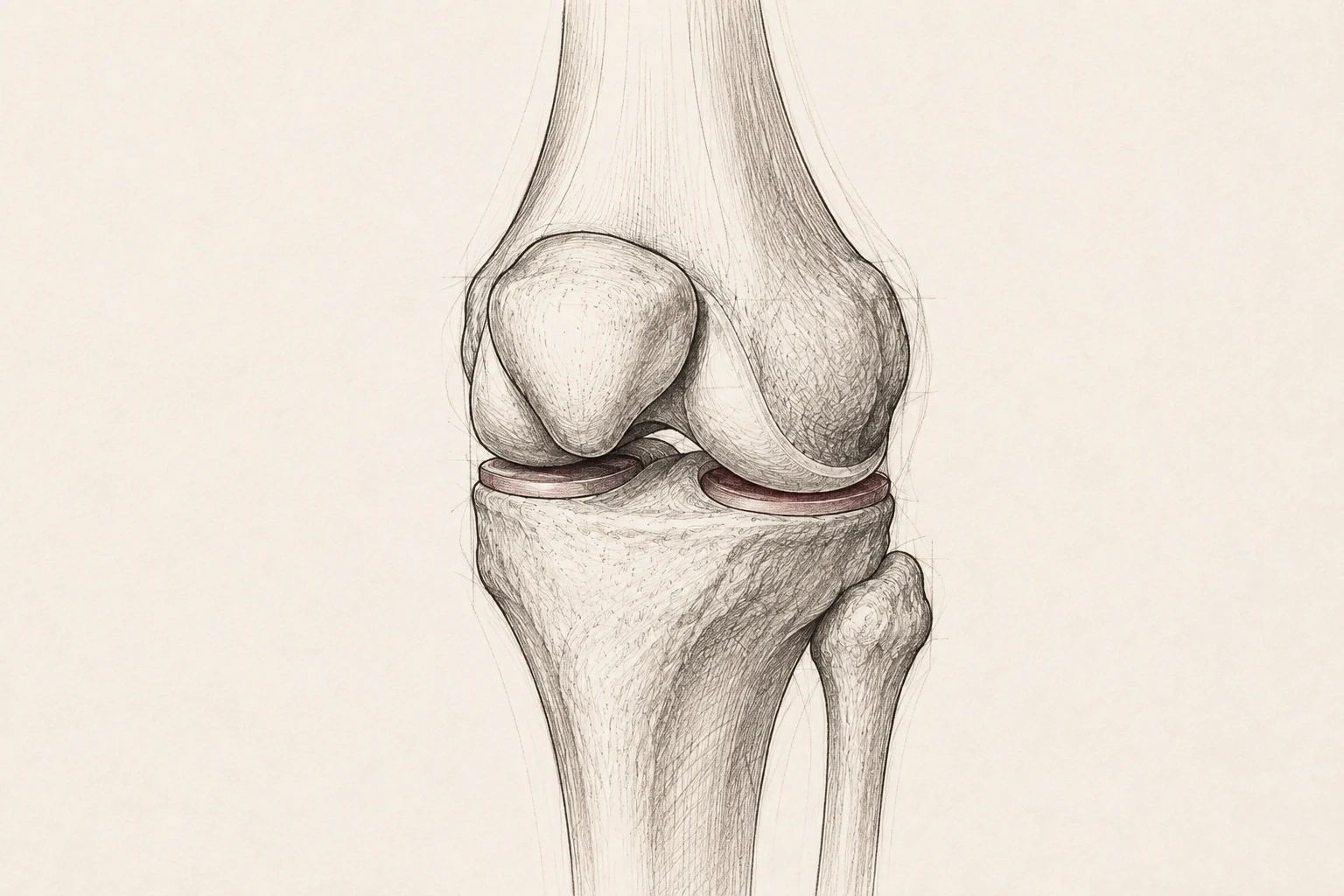
When I fractured my leg wrestling, orthopedic surgeons at LECOM helped me heal and walk again. Experiencing that recovery gave my interest in medicine a direction. I want to become an orthopedic surgeon and help others regain the ability to move through their lives.
I want to understand how technology can improve the decisions doctors make and the care patients receive. I’ve experimented with machine learning and XR; now I want to turn that curiosity into useful research and practical work.
Starting in November 2026 I’ll intern with 0xSero through January 2027, promoting local AI at Gannon University.
Learning from medical data
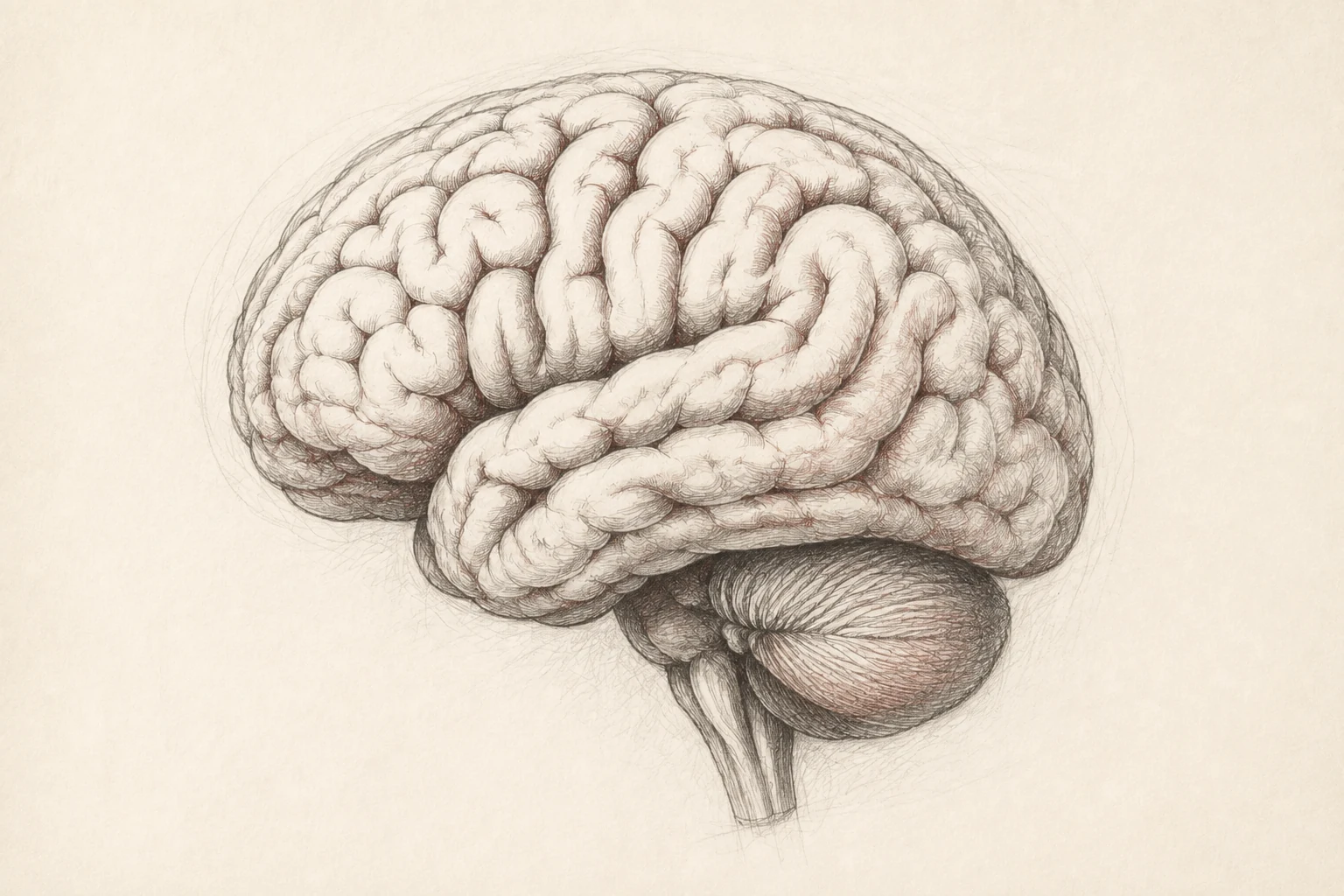
How can machine learning help us understand disease and identify genetic mutations?
Preparing for surgery
How could extended reality (XR) and imitation learning improve surgical training and practice?
Choosing the right treatment
How can pharmacogenetics help doctors choose medications and better understand the risk of side effects?
Interests
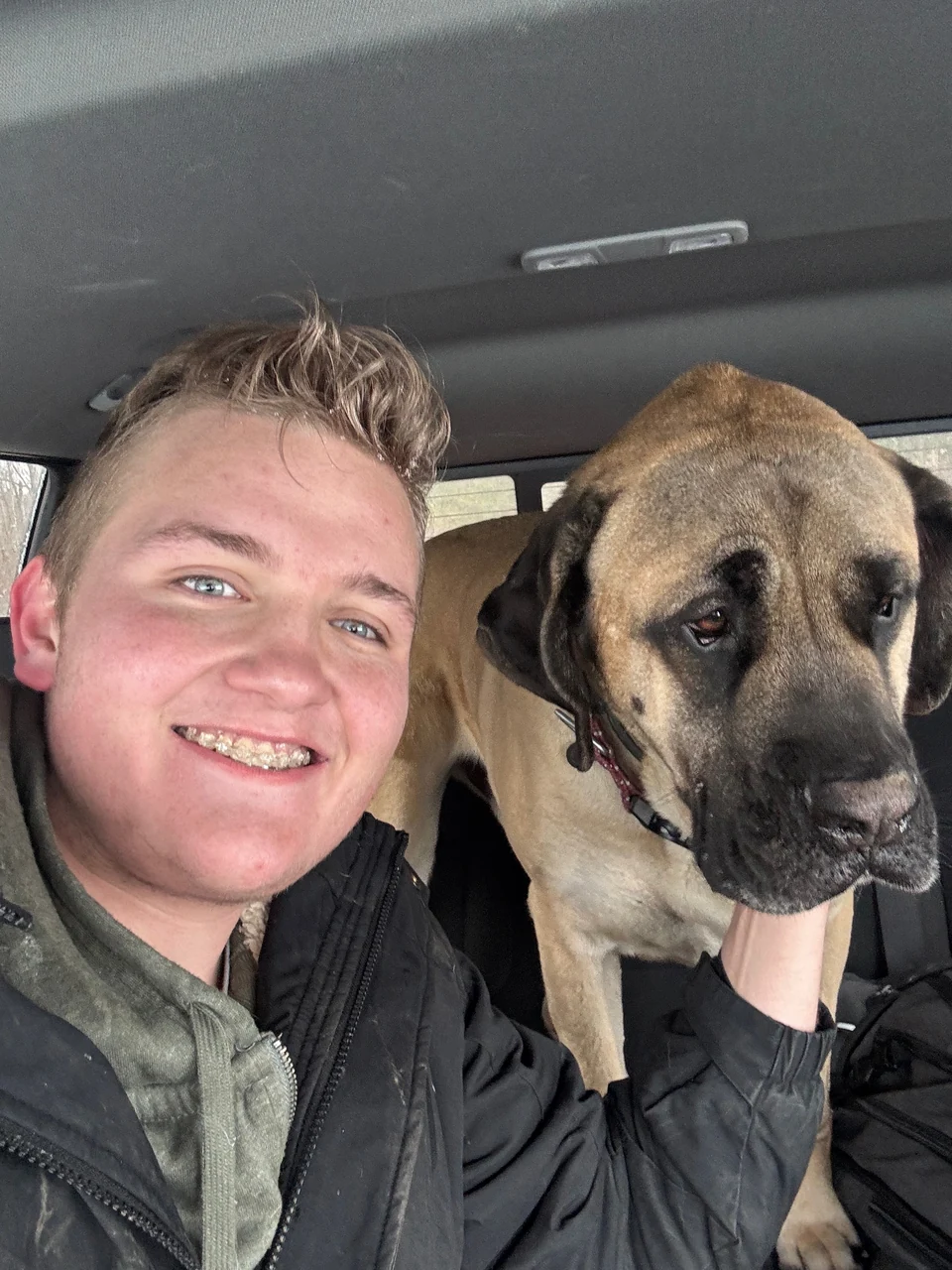
I love animals, especially dogs.
I also enjoy tinkering with technology and studying history and philosophy. I’m drawn to understanding how things work, how we got here, and the ideas that shape the way we live.