
Microsoft 365 on Omarchy, in one command.
I use Omarchy as a university student, yet Microsoft makes no desktop Office for Linux, so I built omarchohard. One command installs it and walks you through a short setup, then every Microsoft 365 app is in the Omarchy launcher as its own window, your .docx, .xlsx and .pptx files open in the right one, and your OneDrive is on disk.
curl -fsSL https://raw.githubusercontent.com/baney75/omarchohard/main/install.sh | bash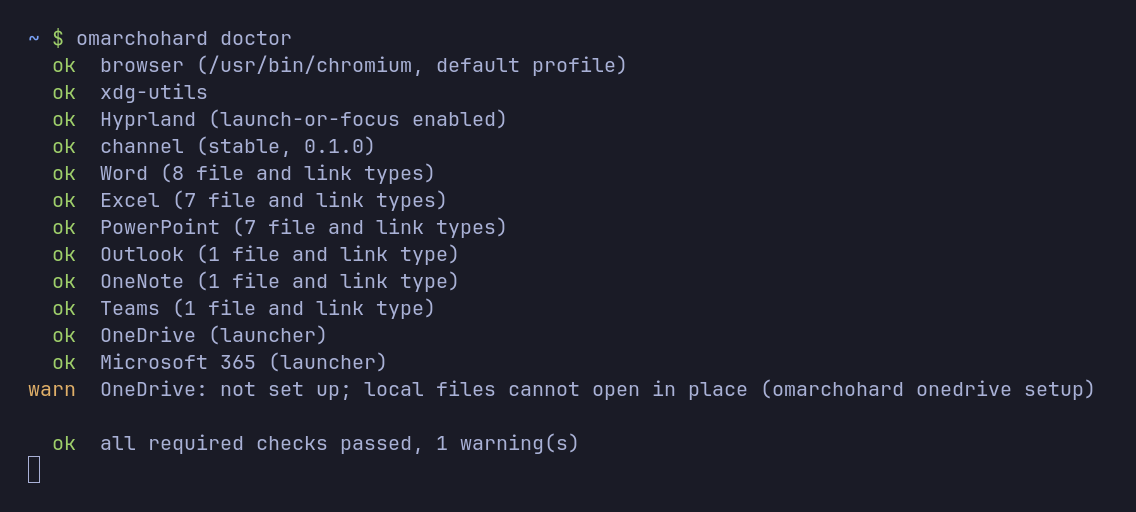
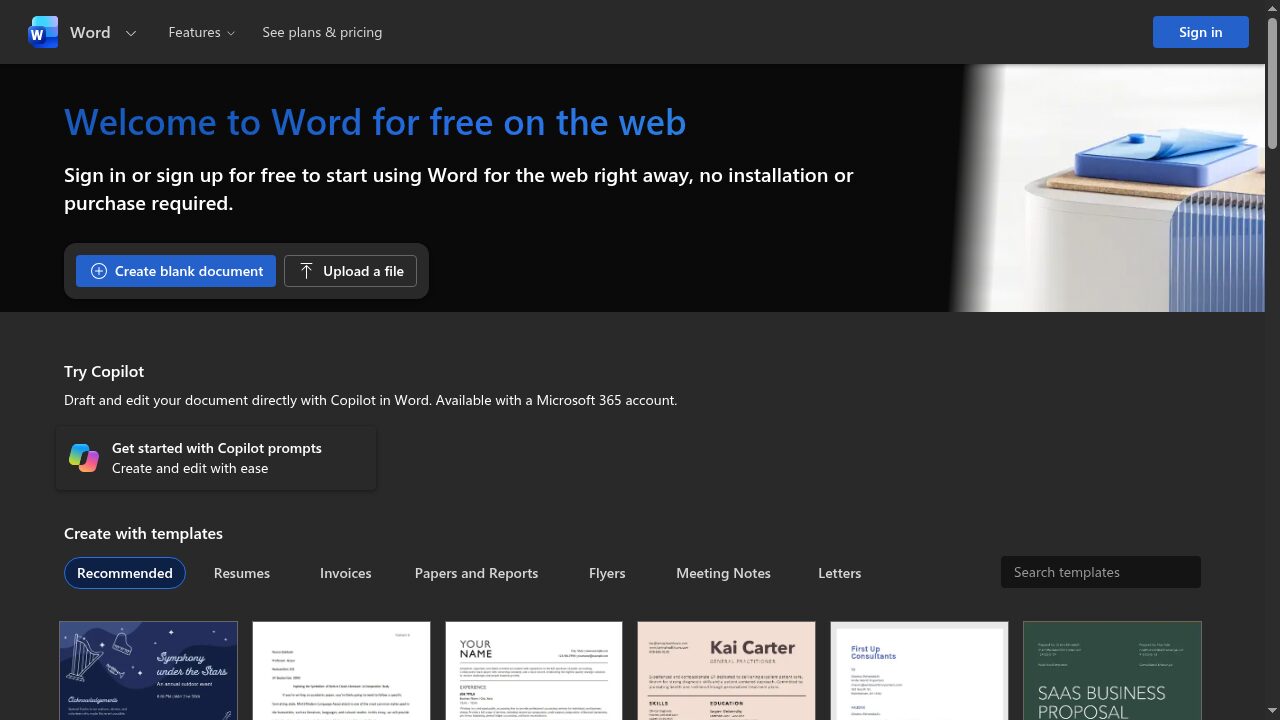
Each app is its own window.
Word, Excel and the rest open from the launcher like any other app, with their own icon and no tabs or address bar. They run in the Chromium-based browser you already use, with its profile, so if you are signed in to Microsoft there you are signed in here. School and work single sign-on happens on Microsoft's own sign-in page, the same as in your browser. Open one that is already running and Omarchy jumps to its window instead of opening a second. Office Add-ins from the store work in every app and follow your account, and the extensions in your browser come along too.
- Word.docx .doc .rtf .odt
- Excel.xlsx .xls .ods
- PowerPoint.pptx .ppt .odp
- Outlookmailto: links
- OneNoteonenote: links
- TeamsTeams meeting links
- OneDriveYour files, in a folder
Setup takes a minute.
The installer goes right into a guided setup with one keypress per step: pick your browser, pick your apps, sign in, and put OneDrive on disk. Leave out the apps you don't use, or install only Teams, and change it later with omarchohard add or omarchohard remove. Setup also lands in the launcher as Microsoft 365 Setup, so you can run it again without a terminal.
For scripts and coding agents, omarchohard probe --json reports what the machine has and what fits it, omarchohard setup --yes takes every default, and omarchohard optimize --apply tunes the cache and prewarm for that machine. Signing in is still yours to do.
Files open where they belong.
Double-click a .docx
Office files in Files, or from xdg-open, go to the right app. Word gets documents, Excel gets spreadsheets and PowerPoint gets slides.
Saves go back to OneDrive
A file inside your OneDrive folder opens in place, and every save lands in the same file. The web apps only open files in OneDrive, so a file from anywhere else is uploaded as a copy to OneDrive/Omarchohard first, and your original never changes.
Share from Files
Right-click a file, then Scripts, to share it with OneDrive or copy a link. A document opens in its app, where Share sends it to people by name.
OneDrive on disk, kept in sync.
omarchohard onedrive setup signs in through your default browser and puts OneDrive at ~/OneDrive. By default it uses rclone with a full local cache, so files open at disk speed and changes upload a couple of seconds after you save. If you would rather keep a complete copy offline, it can use the OneDrive client by abraunegg instead. omarchohard onedrive status shows what is still uploading, and omarchohard onedrive sync waits until every save is up, which is nice before you close the lid.
Measured, not promised.
- 0.2 sAnother Microsoft app already open
- 0.4 sCold start
- 0.8 sThe very first launch
Time from the command to the window on screen, on an Intel i9-14900HX laptop with Chromium 152 and Hyprland.
Desktop Office, when you need it.
Some work needs the desktop apps. omarchohard desktop install builds a Windows virtual machine you never see, installs Microsoft 365 or Office 2024 in it, and then Word, Excel and PowerPoint open as their own windows on your desktop. One hidden connection stays open with a small agent inside Windows, so on my machine a Word file opens in about 1.2 seconds, and in about a quarter of a second once Word is kept warm. They print to the printers your Linux machine already has, and signing in to Office once covers every Office app. omarchohard desktop slim keeps the whole virtual machine near 15 GB of disk, and omarchohard desktop activate enters a product key you bought from a hidden prompt, so the key never shows on screen.
It needs about 16 GB of memory, room for up to 80 GB of disk and a license you own for Office, and Windows needs one too once its evaluation runs out. I have run it start to finish on my own machine with a test copy of Windows, yet I have not signed in to Office there with a real account.
What it is, and what it isn't.
Microsoft does not make desktop Office for Linux. omarchohard runs Microsoft's real web apps, so you need an internet connection and a Microsoft account, and features follow what the web versions can do. Current Office does not run reliably under Wine, so omarchohard leaves Wine out.
Install
Paste this into a terminal on Omarchy or any Arch Linux with Hyprland. It downloads the stable build, checks its checksum, and starts the guided setup.
curl -fsSL https://raw.githubusercontent.com/baney75/omarchohard/main/install.sh | bashCheck everything at any time, or run setup again to change an answer:
omarchohard doctor
omarchohard setup
Stable, nightly and dev.
Stable follows tagged releases. Nightly is built from main each day after the full test suite passes, and dev follows every change that passes CI. Switch with omarchohard channel nightly, update with omarchohard update, and omarchohard uninstall puts your old defaults back.
Read exactly what the installer does before you run it.
Questions
Is this made by Microsoft?
No. omarchohard is an independent open source project. It opens Microsoft's own web apps and uses your own Microsoft account.
Do I need a paid Microsoft 365 plan?
No. The web apps work with a free Microsoft account, and school or work accounts get whatever their plan includes. Only the optional desktop tier needs a license.
Does omarchohard see my password or files?
No. You sign in on Microsoft's own page in your own browser. omarchohard never reads tokens or cookies, and your files go straight between your computer and OneDrive.
Do my Office Add-ins and browser extensions work?
Office Add-ins from the store, like Grammarly or Zotero, run in the web apps and follow your Microsoft account. Extensions in your browser work in every app window. Old COM and VBA add-ins are Windows programs, so they need the desktop tier.
Can I install only some of the apps?
Yes. Setup asks which apps you want, and omarchohard add teams or omarchohard remove onenote changes it later. A removed app hands its file types back to whatever had them before.
How do I check it is working?
Run omarchohard doctor. It checks every launcher, file handler and the OneDrive mount, and exits with an error if anything is missing.